
WORDPRESS FIXES & TECHNICAL SUPPORT /
WordPress Troubleshooting to Find and Fix Website Problems
Broken layouts, plugin conflicts, website errors, or problems after an update? WoodeBee helps investigate what went wrong and identify a practical way forward.
Share your website URL, the symptoms, and any recent changes so we can review the issue and discuss the next steps.
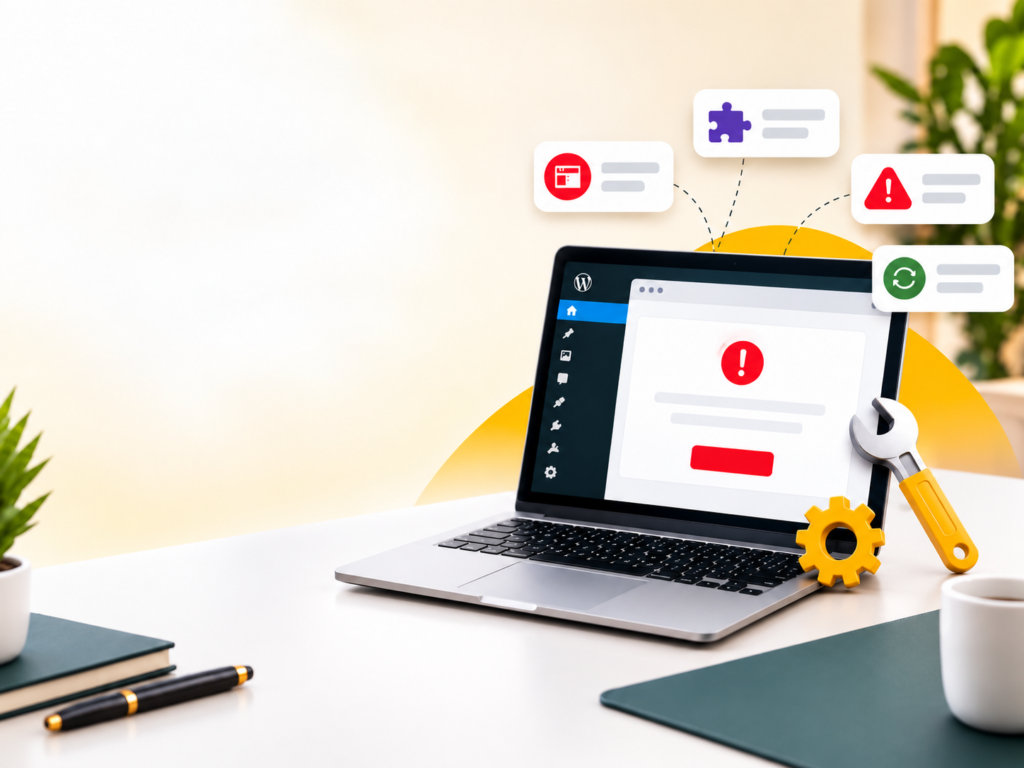
Start with the Cause of the Problem
A visible website problem can have several possible causes. A broken page might involve a plugin update, theme styling, custom code, server configuration, or an integration.
We review the symptoms and available evidence before recommending a fix. Where access and staging are available, issues can be investigated in a controlled environment before changes are applied to the live website.
WordPress Problems We Can Help Investigate
01
Website Errors & Failed Pages
Investigate blank pages, critical errors, failed requests, and pages that stop working as expected.
02
Plugin & Theme Conflicts
Review problems that appear after an installation or update and identify which components may be involved.
03
Broken Layouts
Troubleshoot spacing, styling, missing elements, responsive layouts, and differences between the editor and the published page.
04
WooCommerce Issues
Investigate product display, cart, checkout, shipping, and integration problems within the agreed scope.
05
Forms & Email Delivery
Review forms that fail to submit, missing notifications, and WordPress email configuration. Some delivery issues may require hosting or email-provider assistance.
06
Migration & Update Problems
Investigate broken links, missing assets, configuration differences, and functionality problems following a website move or update.
How Troubleshooting Works
01
Describe the Issue
Share the affected URL, what you expected to happen, what actually happens, and any recent website changes.
02
Review & Diagnose
We examine the available information and confirm the access, investigation scope, and any dependencies needed to proceed.
03
Apply the Agreed Fix
Once the approach is agreed, changes are prepared and tested against the reported problem.
03
Verify & Explain
We check the affected functionality and explain the changes made, any limitations, and relevant follow-up work.
What to Include in Your Enquiry
A clear report helps us understand the issue more quickly. Include:
- The affected website or page URL.
- A screenshot or the exact error message.
- Steps that reproduce the problem.
- When the issue first appeared.
- Recent updates, migrations, or configuration changes.
- Whether the issue affects all visitors or only certain devices or accounts.
Please do not send passwords, license keys, payment information, or customer records through the enquiry form. If access is required, we will agree on an appropriate way to provide it.
Troubleshooting Scope & Pricing
The work required depends on the symptoms, website setup, and underlying cause. Some issues are straightforward; others require a separate diagnostic stage before a repair can be estimated.
We clarify the investigation scope, pricing, and any approval points before work begins. If a problem depends on a third-party provider or requires a larger rebuild, we explain the available options.
Any third-party tools, licenses, or additional development needed to resolve the issue will be discussed before proceeding.
WordPress Troubleshooting FAQs
We can investigate critical errors and identify the components involved. The repair depends on the cause and the access available. Share the error message and any recent changes with your enquiry.
Yes, we can review the situation. Investigation may require hosting, file, or database access instead of WordPress admin access. Any access requirements are discussed before work begins.
You can enquire about a time-sensitive issue. Availability, response arrangements, and a proposed timeline are confirmed after the request is reviewed. Immediate resolution is not guaranteed.
The approach depends on the issue and the tools available. Where practical, changes are tested on staging. Before significant live changes, we agree on the approach and check the available backup and recovery options.
A repair cannot be guaranteed before diagnosis. Some problems depend on third-party services, unsupported software, or limitations in the existing setup. We explain the findings and recommend a practical next step.
Yes. We can review issues involving URLs, assets, configuration, forms, and functionality after a website move. Some changes may require assistance from your hosting or domain provider.
Tell Us What Is Not Working
Send the affected URL, the symptoms, and any recent changes. We will review the information and discuss an appropriate investigation scope.